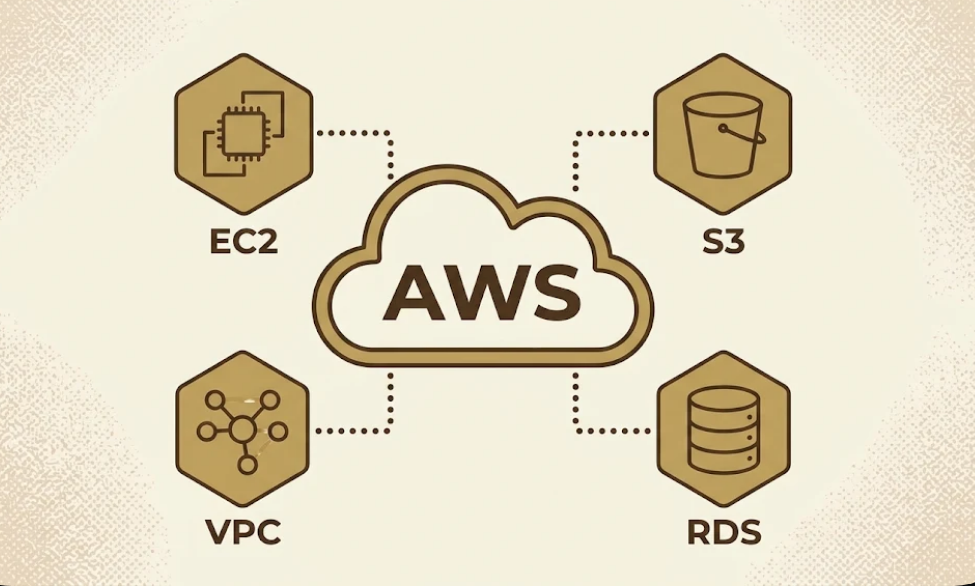
Introduction to AWS Core Architecture
Amazon Web Services (AWS) is the world’s most comprehensive and broadly adopted cloud platform, powering millions of global applications.
Rather than purchasing, owning, and maintaining physical servers, organizations leverage AWS to rent virtualized computing power, storage, and networking on demand.
Global Infrastructure: Regions & Availability Zones
At the physical core of AWS is its global network infrastructure. AWS organizes its hardware footprint using two primary concepts:
- AWS Regions: Separate physical geographic locations around the world (e.g.,
us-east-1in N. Virginia,eu-west-1in Ireland). Each Region is completely isolated from others to ensure maximum fault tolerance. - Availability Zones (AZs): Isolated data centers located within an AWS Region. Each AZ consists of one or more physical data centers with redundant power, networking, and connectivity.
The Building Blocks: 4 Core Services
1. EC2 (Elastic Compute Cloud)
ComputeEC2 provides resizable virtual servers (instances) in the cloud. Users can configure operating systems (Linux, Windows), CPU, RAM, and storage to run applications without managing physical server hardware.
2. S3 (Simple Storage Service)
Object StorageS3 is an object storage service offering high durability (99.999999999%) and scalability. Data is organized into containers called buckets, allowing users to store and retrieve any amount of data from anywhere on the web.
3. VPC (Virtual Private Cloud)
NetworkingVPC lets you provision a logically isolated section of the AWS Cloud where you launch AWS resources in a virtual network you define. You retain complete control over subnets, IP address ranges, route tables, and network gateways.
4. RDS (Relational Database Service)
DatabaseRDS makes it easy to set up, operate, and scale relational databases in the cloud. It automates time-consuming administration tasks like hardware provisioning, database setup, patching, and automated backups.
AWS Shared Responsibility Model
AWS Responsibility
“Security OF the Cloud”
AWS protects the physical data centers, host hardware, facility security, hypervisors, and global networking infrastructure.
Customer Responsibility
“Security IN the Cloud”
The customer manages customer data, IAM user permissions, OS updates/patches, network firewall rules (Security Groups), and encryption.
Key Takeaway
Understanding cloud networking starts with mastering these core blocks: EC2 for virtual servers, S3 for storage, VPC for networking isolation, and RDS for managed data layers.